Start with the working position
Identify the part of the setup you want to adjust: screen position, keyboard placement, seating or cable organization. Compare the adjustment features of the chosen item.
$54.99
Free standard US shipping
Contiguous 48 states & DC · 4–7 business days total
30-day returns
Merchant-paid return shipping. Read the policy
Questions about this item? [email protected]
Product brand: WALI ELECTRIC
The details
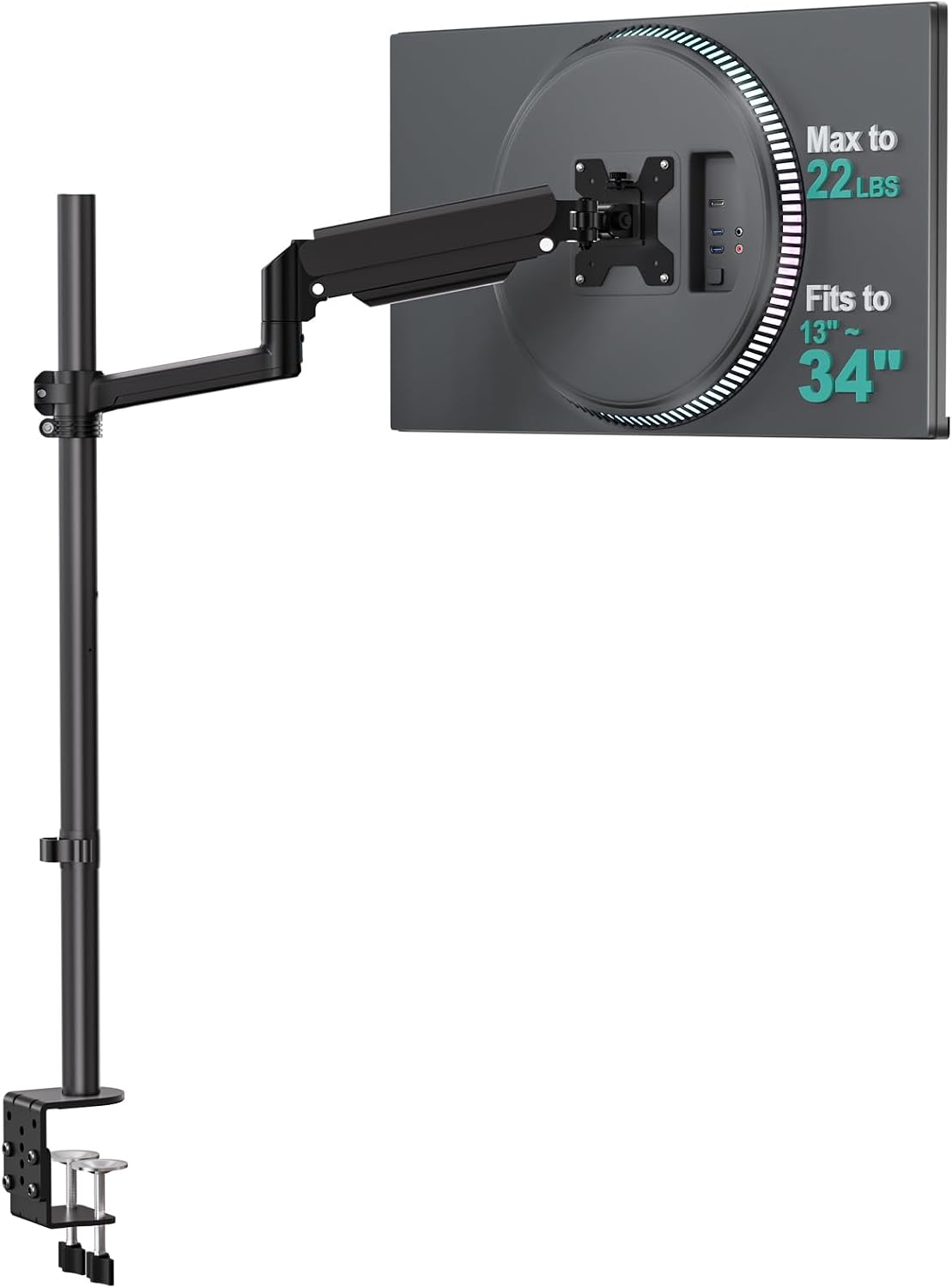
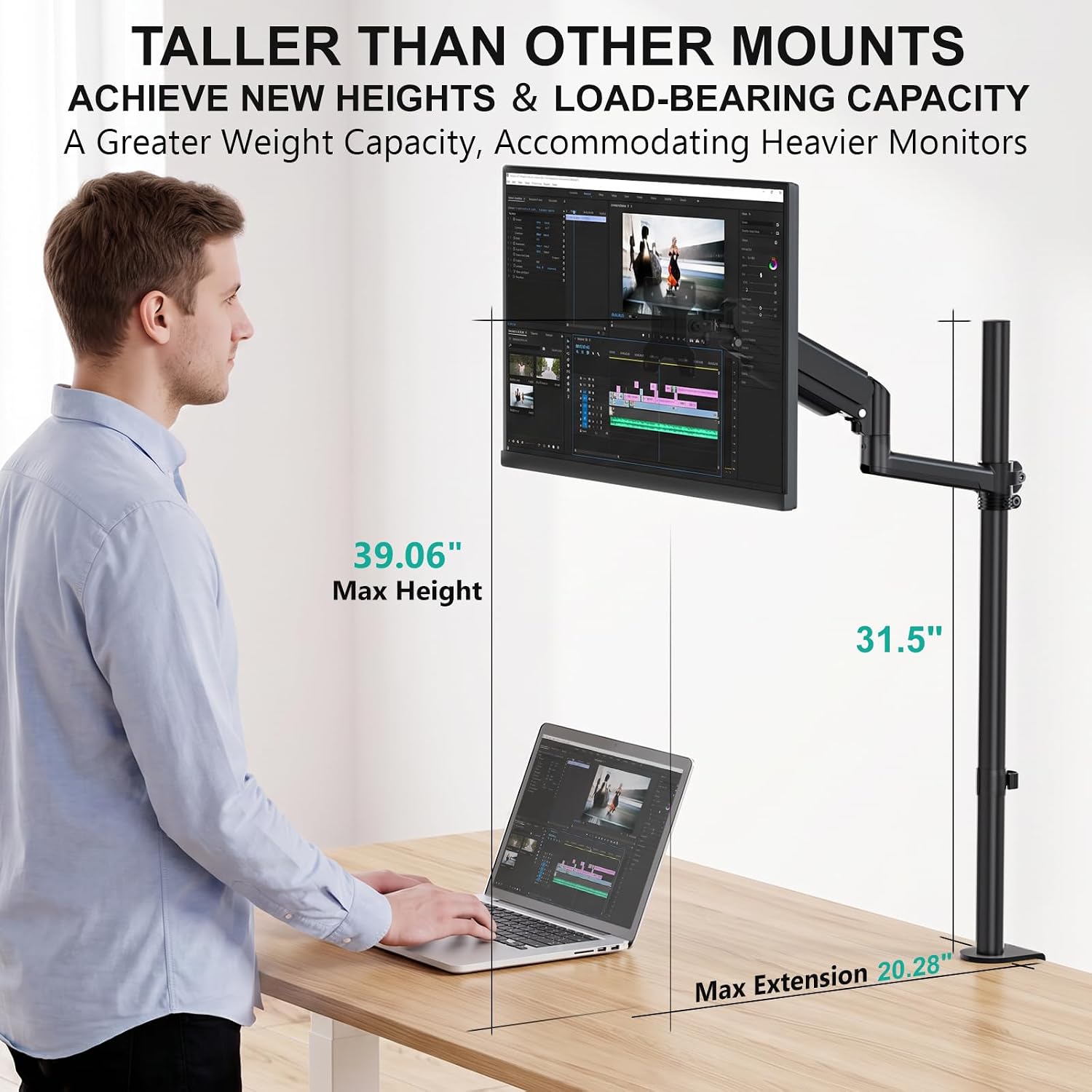
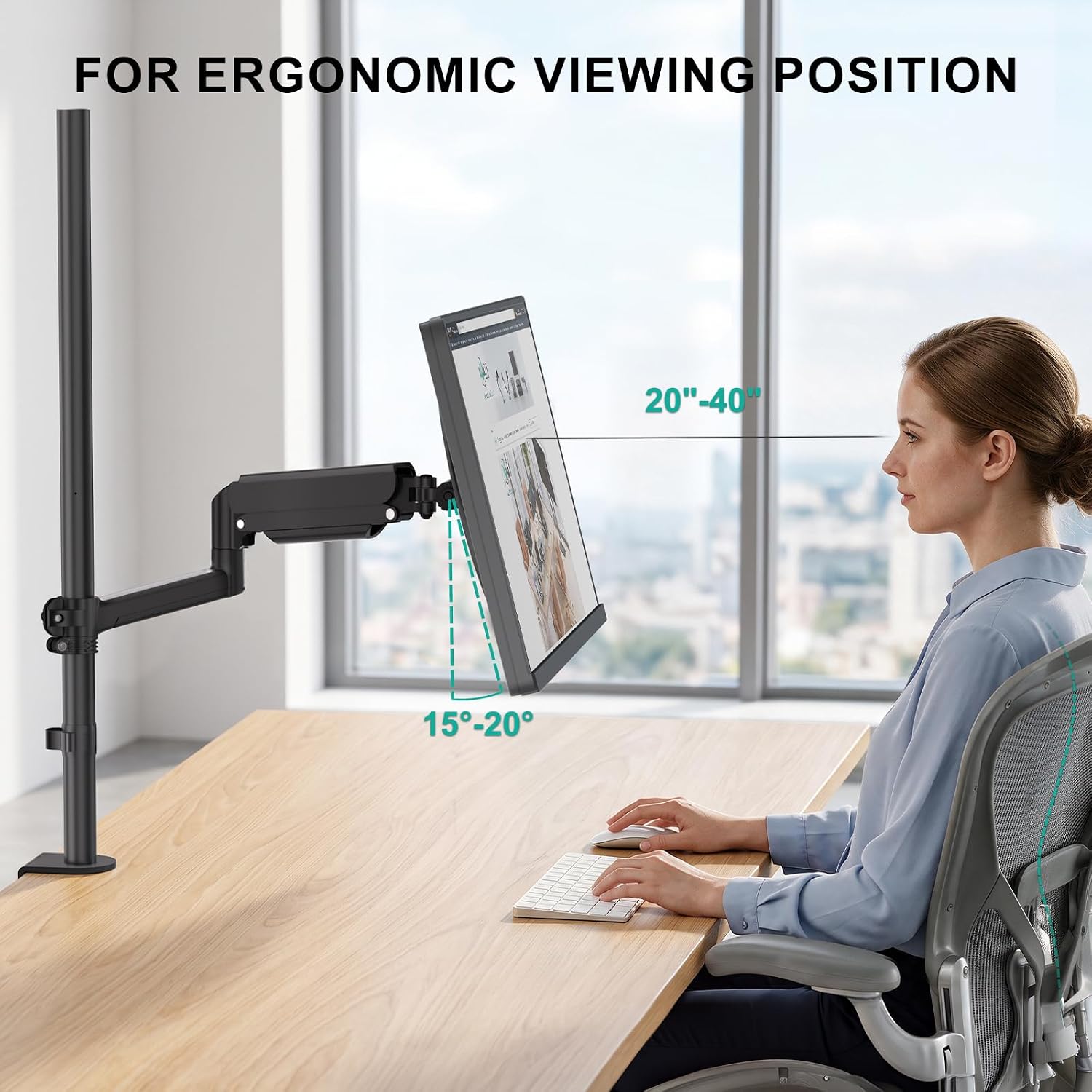
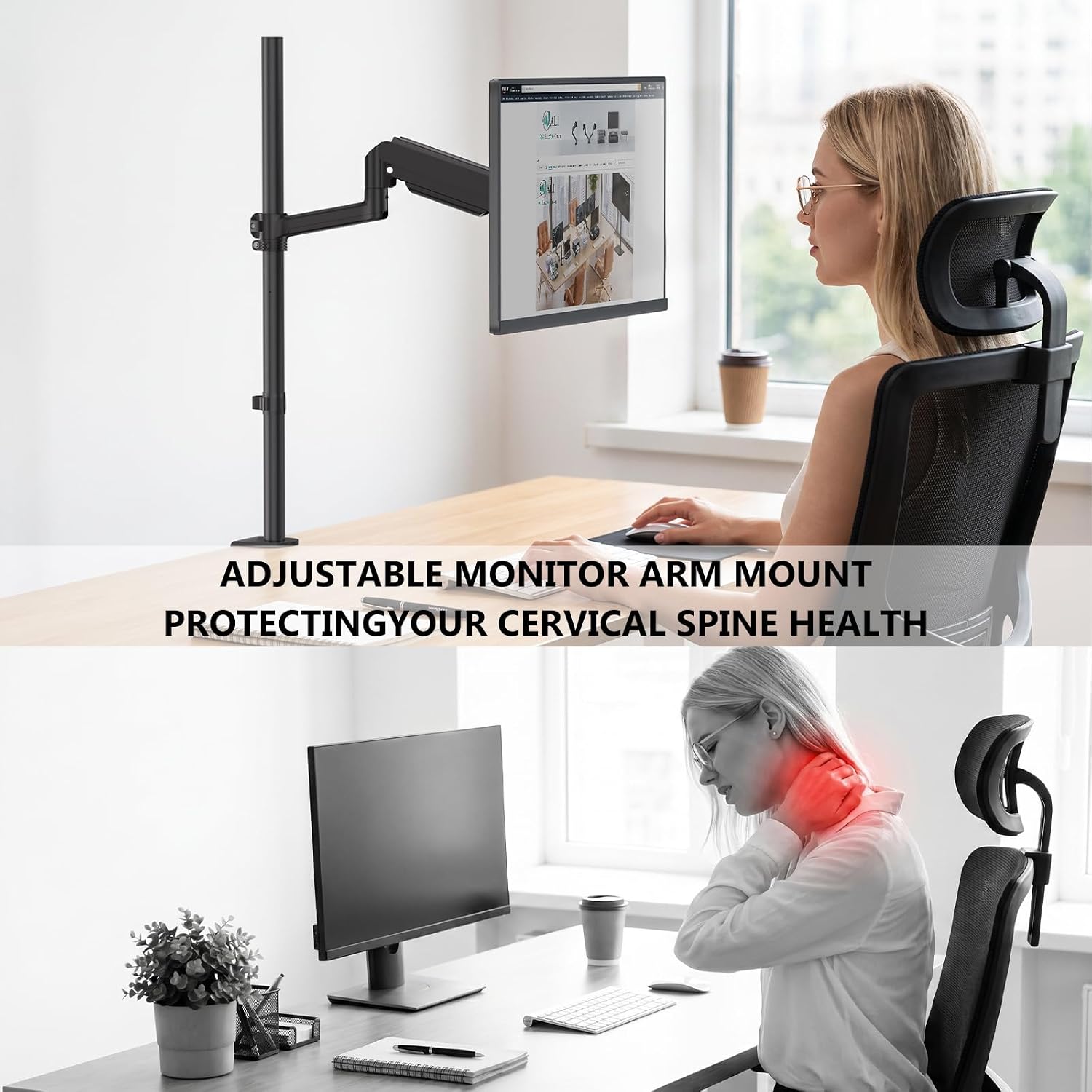
Extra Tall Pole Design: The 31.5‑inch sturdy pole raises your monitor to a total maximum height of 39.06 inches, bringing the screen closer to natural eye level. This is particularly helpful for programmers, data analysts, and graphic designers who work long hours, as well as for standing desk users who need extra range. Compared to conventional mounts with shorter poles, this design may reduce the tendency to lean forward or tilt your head downward, supporting a more comfortable posture throughout the day
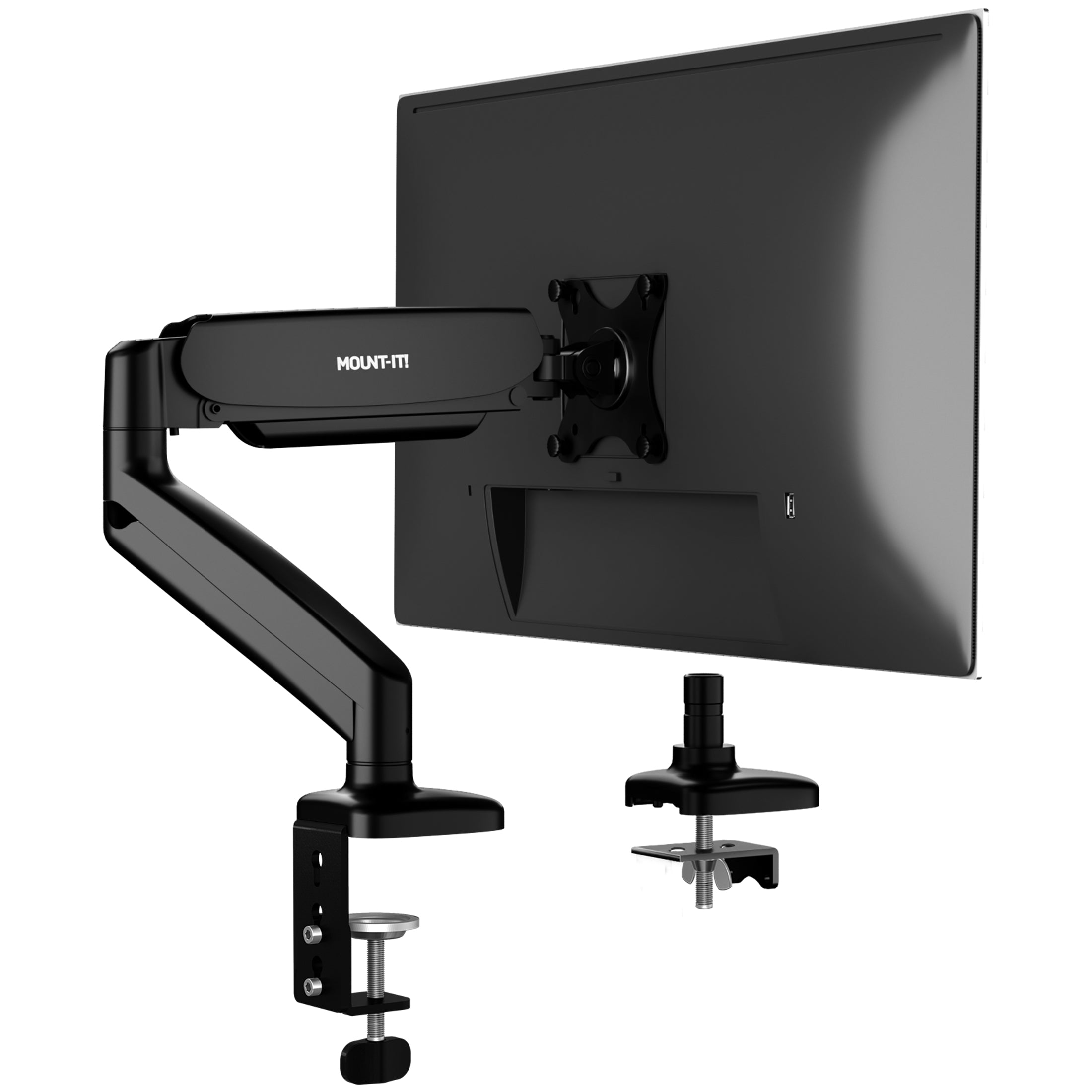
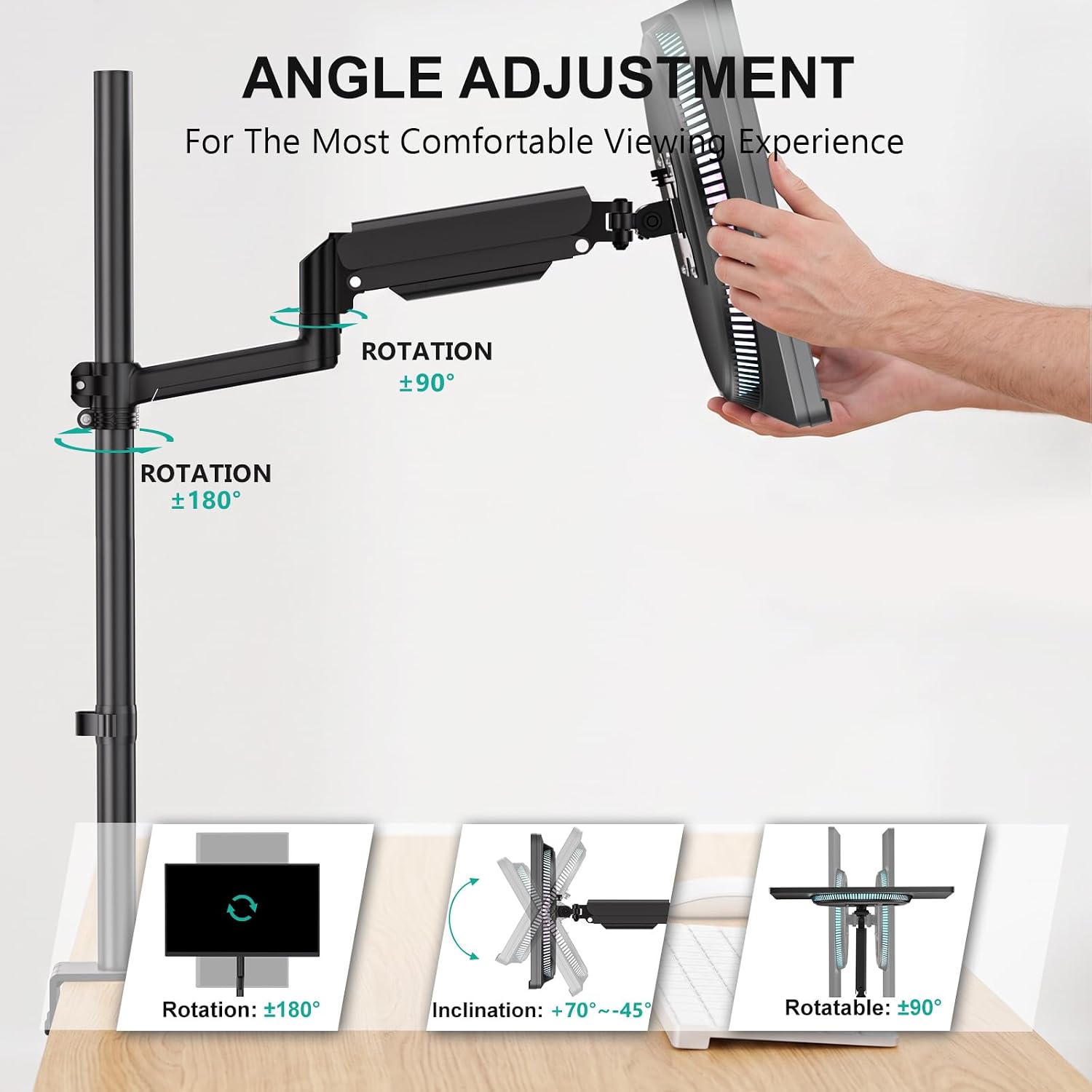
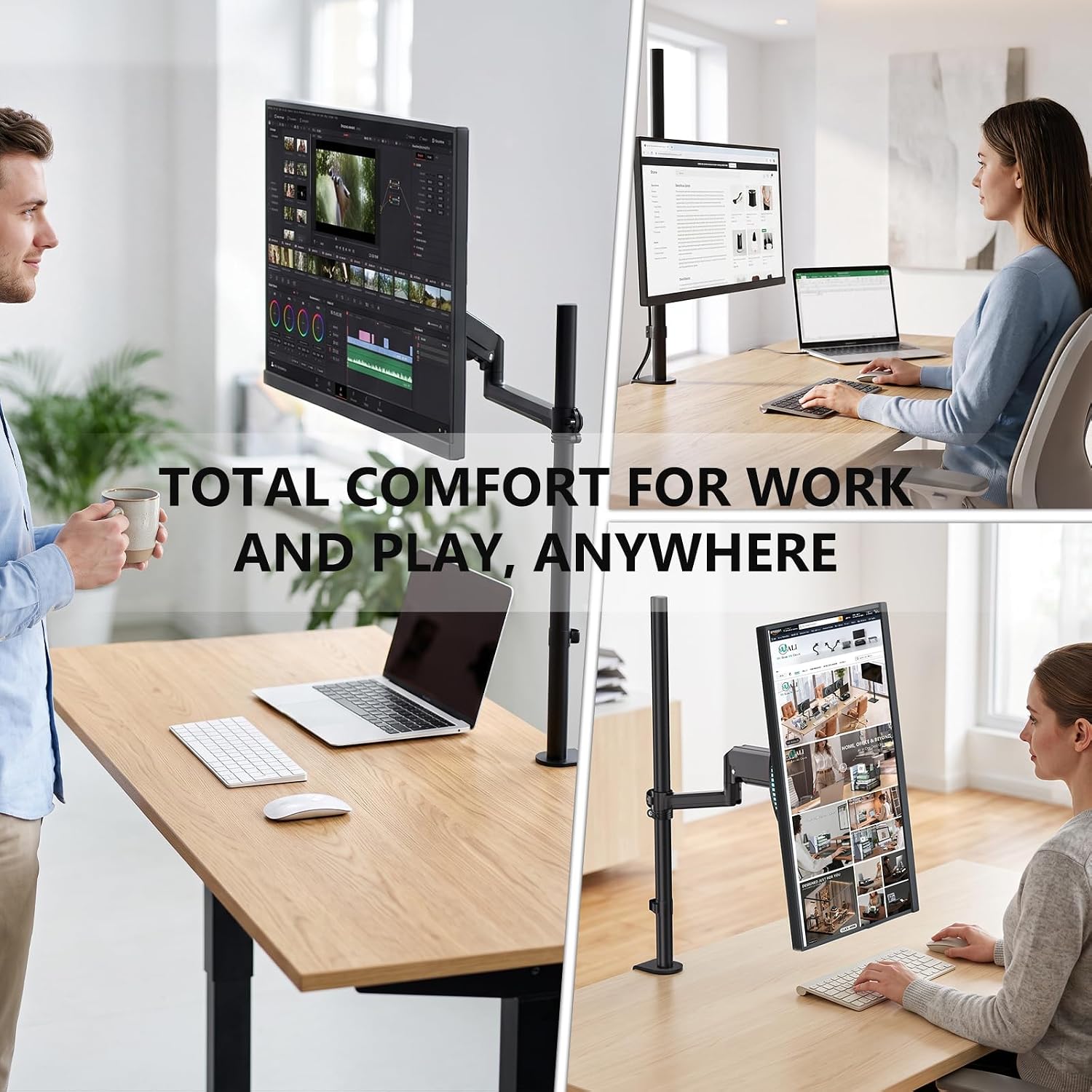
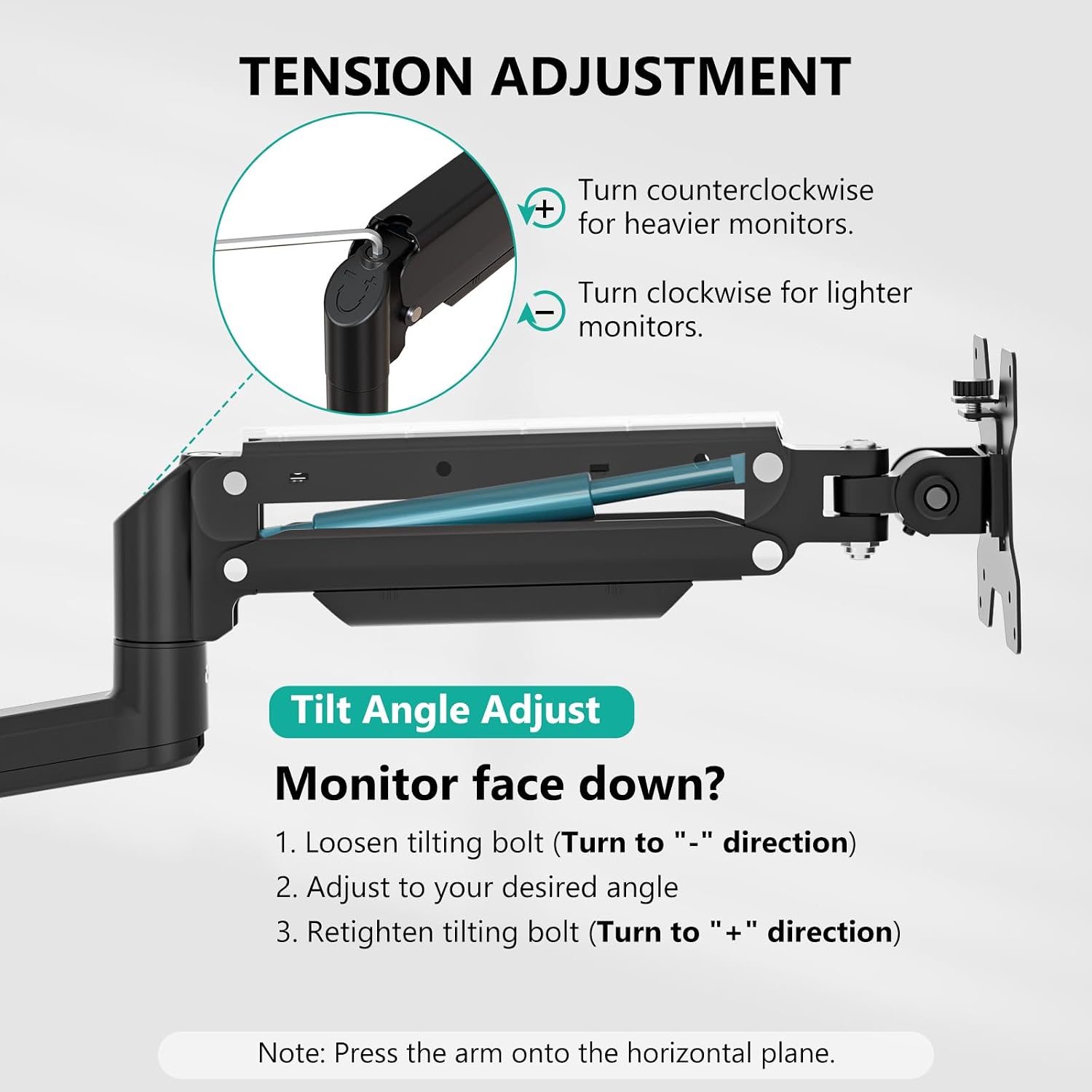
Fully Adjustable: The tall single monitor arm offers +70° to –45° tilt, ±180° swivel, and ±360° rotation, making it easy to switch between landscape and portrait orientations. You can extend the screen forward up to 20.28 inches when you need a closer view for detailed editing or immersive gameplay, and push it back against the wall to reclaim desk space
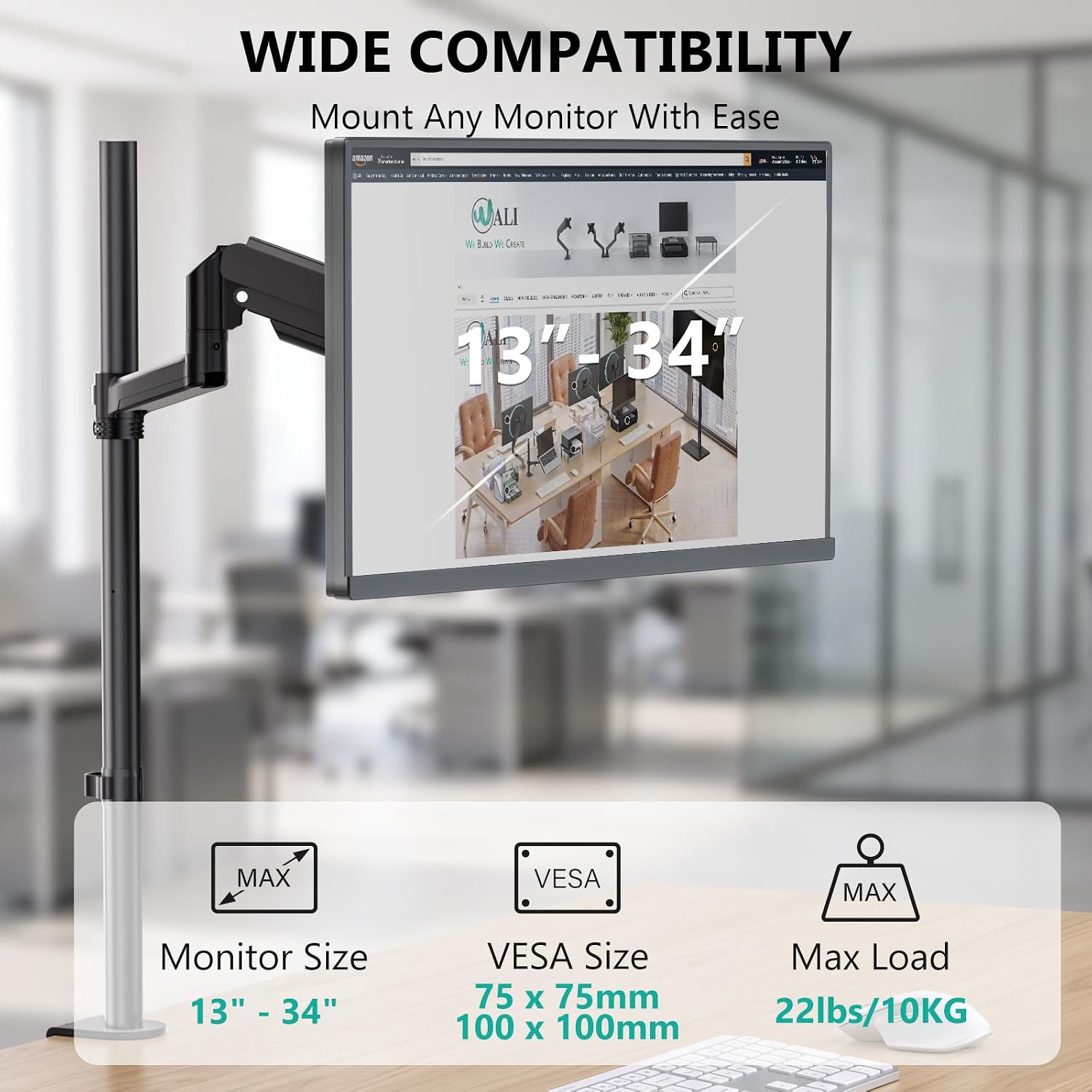
Supports Monitors up to 22 lbs – Suitable for Curved and Ultrawide Screens: Built with reinforced steel and a thickened C‑clamp (fits desk thickness 0.4"–3.5"), this mount is designed to handle monitors weighing up to 22 lbs – including many 34 inch curved displays. The robust construction helps minimise screen shake during typing or minor desk movements, offering a more stable viewing experience for tasks like digital illustration, multitasking with multiple windows, or fast‑paced gaming sessions
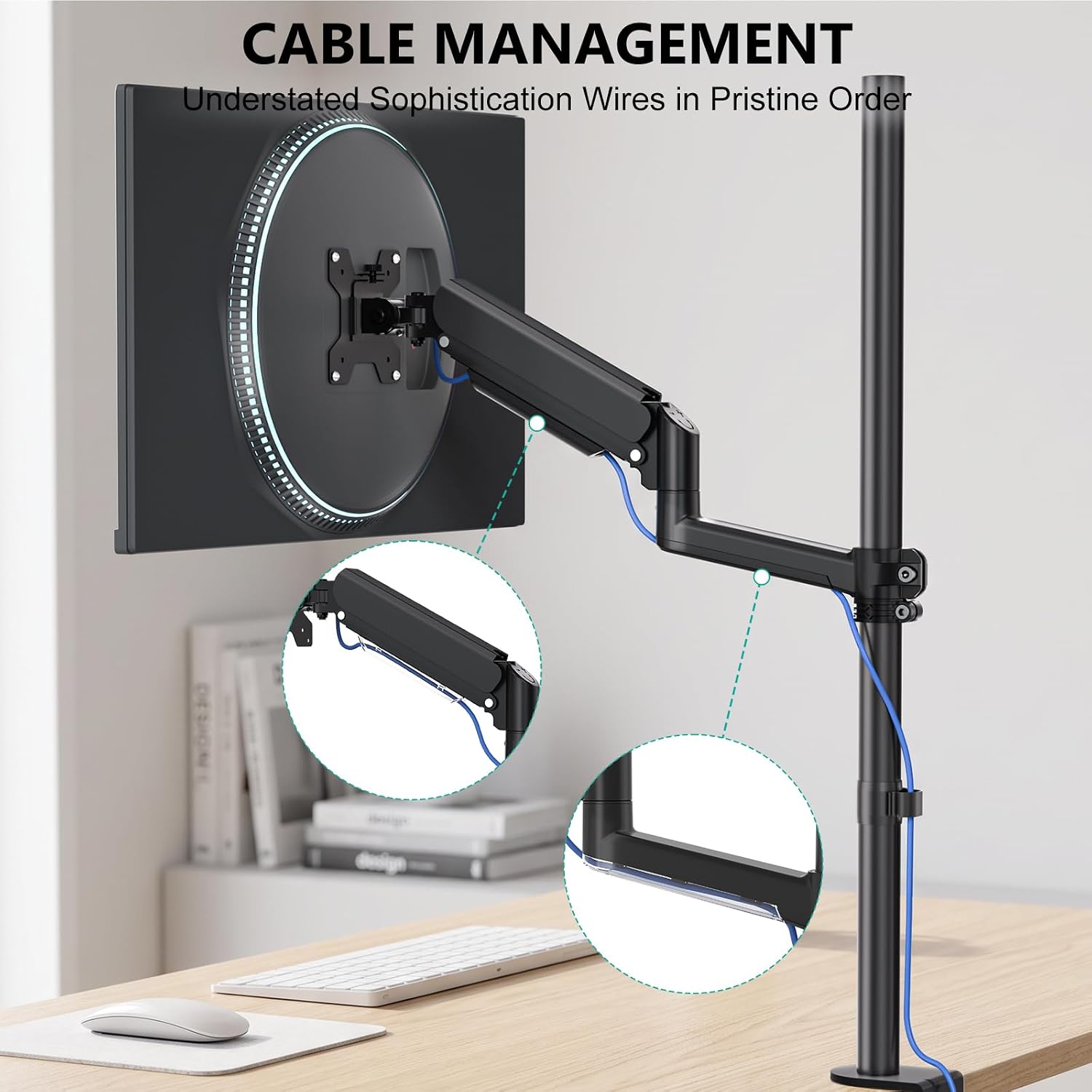
Extra Tall Single Monitor Mount – Tidy Workspace: Cables can be routed through the built‑in channels along the arm, keeping power, HDMI, and USB cords organised and out of sight. This feature is especially useful for video conferencing or simply maintaining a clean and professional home office. The streamlined appearance reduces visual clutter, allowing you to focus on work or entertainment without distractions from dangling wires
Package Includes: 1 x WALI Single Monitor Arm Desk Mount, Mounting Hardware Kit, User Manual, experienced and friendly US based customer support available to assist 7 days a week
Know the fit
Extra Tall Pole Design: The 31.5‑inch sturdy pole raises your monitor to a total maximum height of 39.06 inches, bringing the screen closer to natural eye level. This is particularly helpful for programmers, data analysts, and graphic designers who work long hours, as well as for standing desk users who need extra range. Compared to conventional mounts with shorter poles, this design may reduce the tendency to lean forward or tilt your head downward, supporting a more comfortable posture throughout the day
Fully Adjustable: The tall single monitor arm offers +70° to –45° tilt, ±180° swivel, and ±360° rotation, making it easy to switch between landscape and portrait orientations. You can extend the screen forward up to 20.28 inches when you need a closer view for detailed editing or immersive gameplay, and push it back against the wall to reclaim desk space
Supports Monitors up to 22 lbs – Suitable for Curved and Ultrawide Screens: Built with reinforced steel and a thickened C‑clamp (fits desk thickness 0.4"–3.5"), this mount is designed to handle monitors weighing up to 22 lbs – including many 34 inch curved displays. The robust construction helps minimise screen shake during typing or minor desk movements, offering a more stable viewing experience for tasks like digital illustration, multitasking with multiple windows, or fast‑paced gaming sessions
Choose & use with care
Identify the part of the setup you want to adjust: screen position, keyboard placement, seating or cable organization. Compare the adjustment features of the chosen item.
Check the exact monitor pattern, supported size and weight, desk thickness or other listed installation requirements. Do not infer compatibility from a photograph.
Allow room for movement, cables and neighboring equipment. Follow the supplied installation instructions and use only the stated load and adjustment limits.
Follow the instructions supplied for the exact product. Features, limits and care directions are specific to the selected model.
Order preparation takes 1–3 business days, followed by 3–4 business days in transit: 4–7 business days in total. Standard shipping is free to the contiguous United States and DC, with no minimum order.
Request a return within 30 calendar days after delivery. We pay return shipping. After receipt, inspection and initiation of an approved refund take 5–7 business days.
Before you decide
Compare the exact listing’s mounting pattern, supported size and weight with your monitor. Also check desk thickness, mounting method and clearance where specified.
We do not promise medical outcomes. Choose an accessory for its stated fit and adjustment features; seek appropriate professional advice for persistent discomfort.
Use the options and measurements on the exact product page. Photographs can look different across screens; available choices are limited to the options actually shown for that item.
Check the selected product’s description and included-parts information. Accessories pictured in a use scene are included only when the listing says so.