Start with the working position
Identify the part of the setup you want to adjust: screen position, keyboard placement, seating or cable organization. Compare the adjustment features of the chosen item.
$39.98
Free standard US shipping
Contiguous 48 states & DC · 4–7 business days total
30-day returns
Merchant-paid return shipping. Read the policy
Questions about this item? [email protected]
Product brand: VIVO
The details
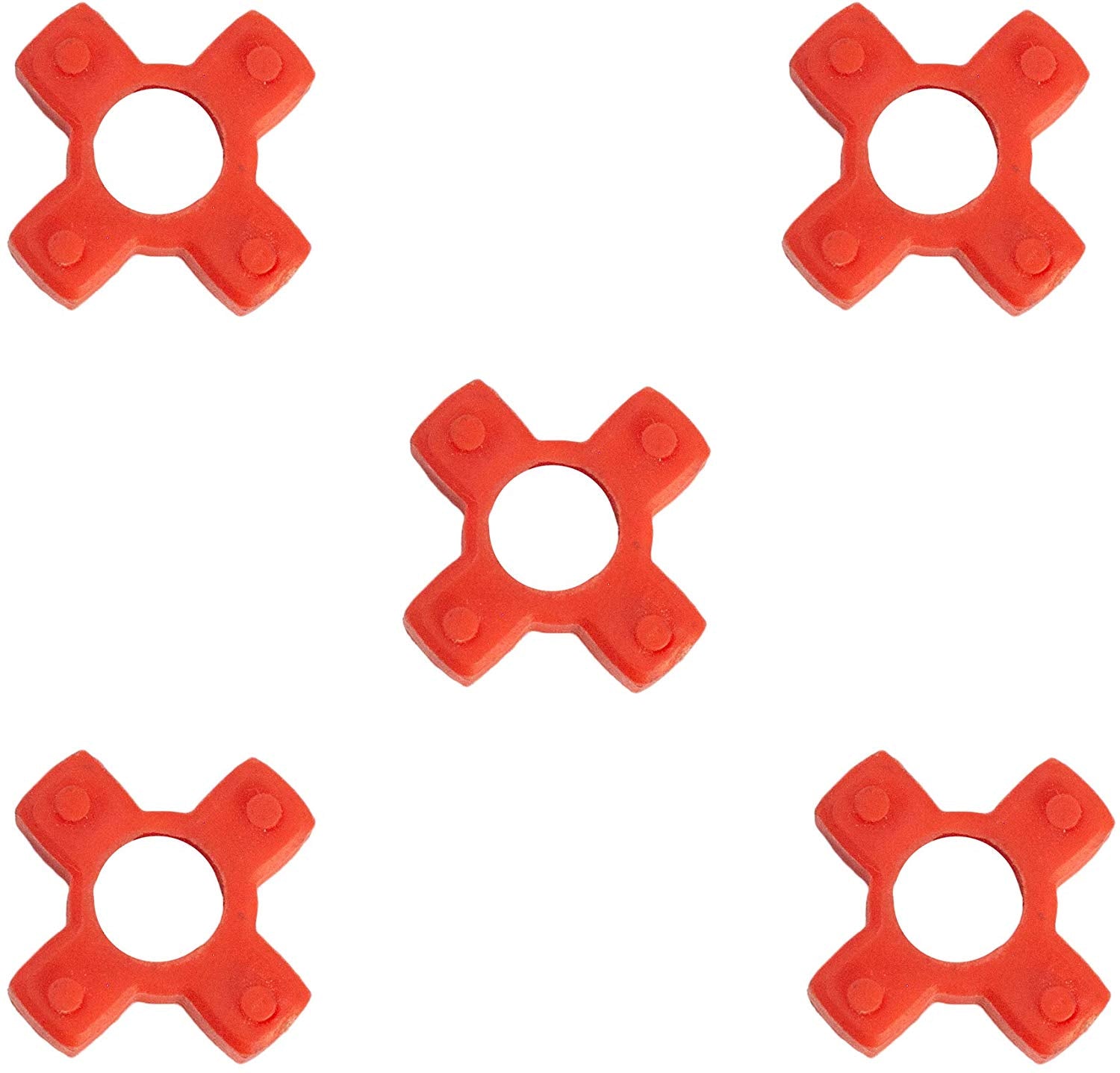
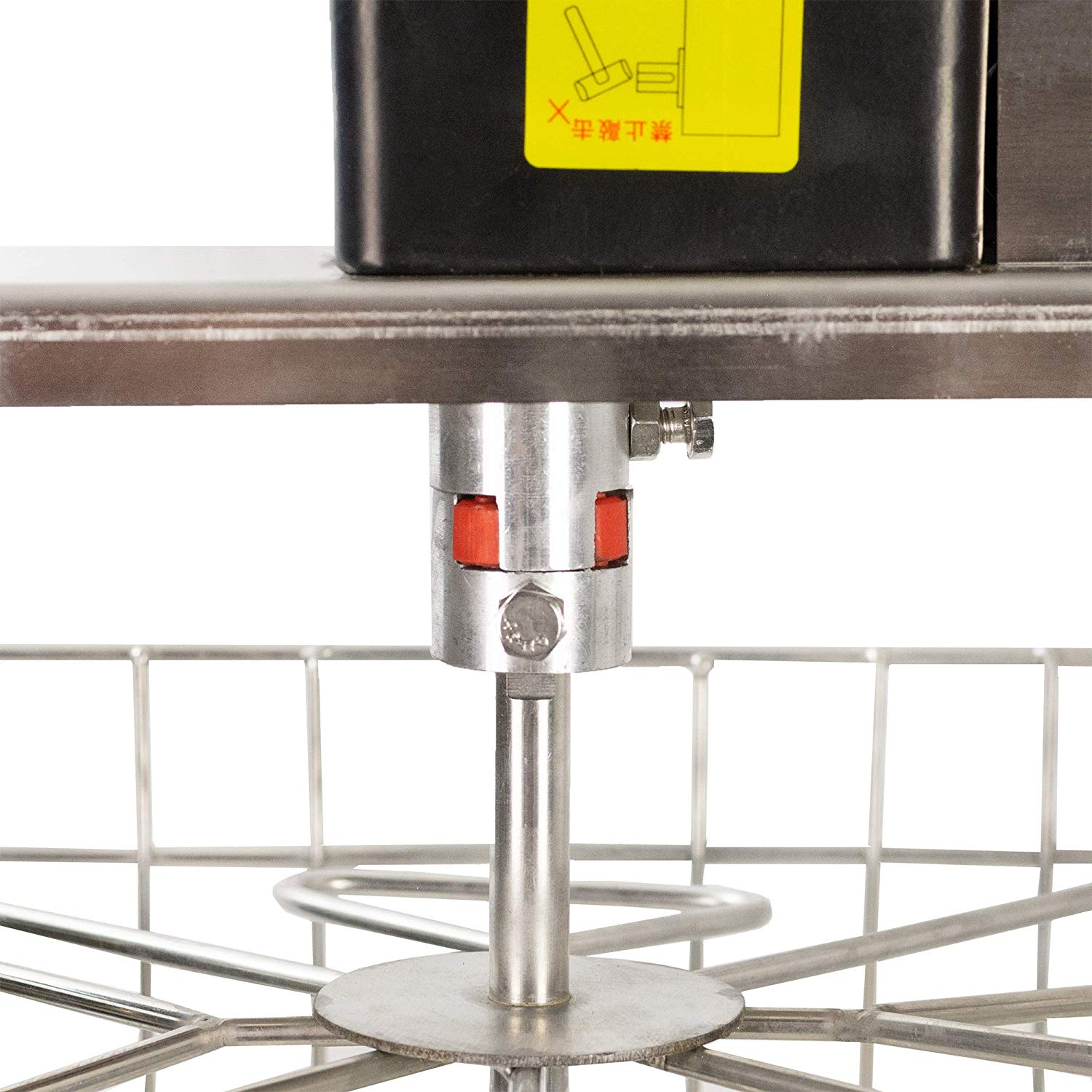
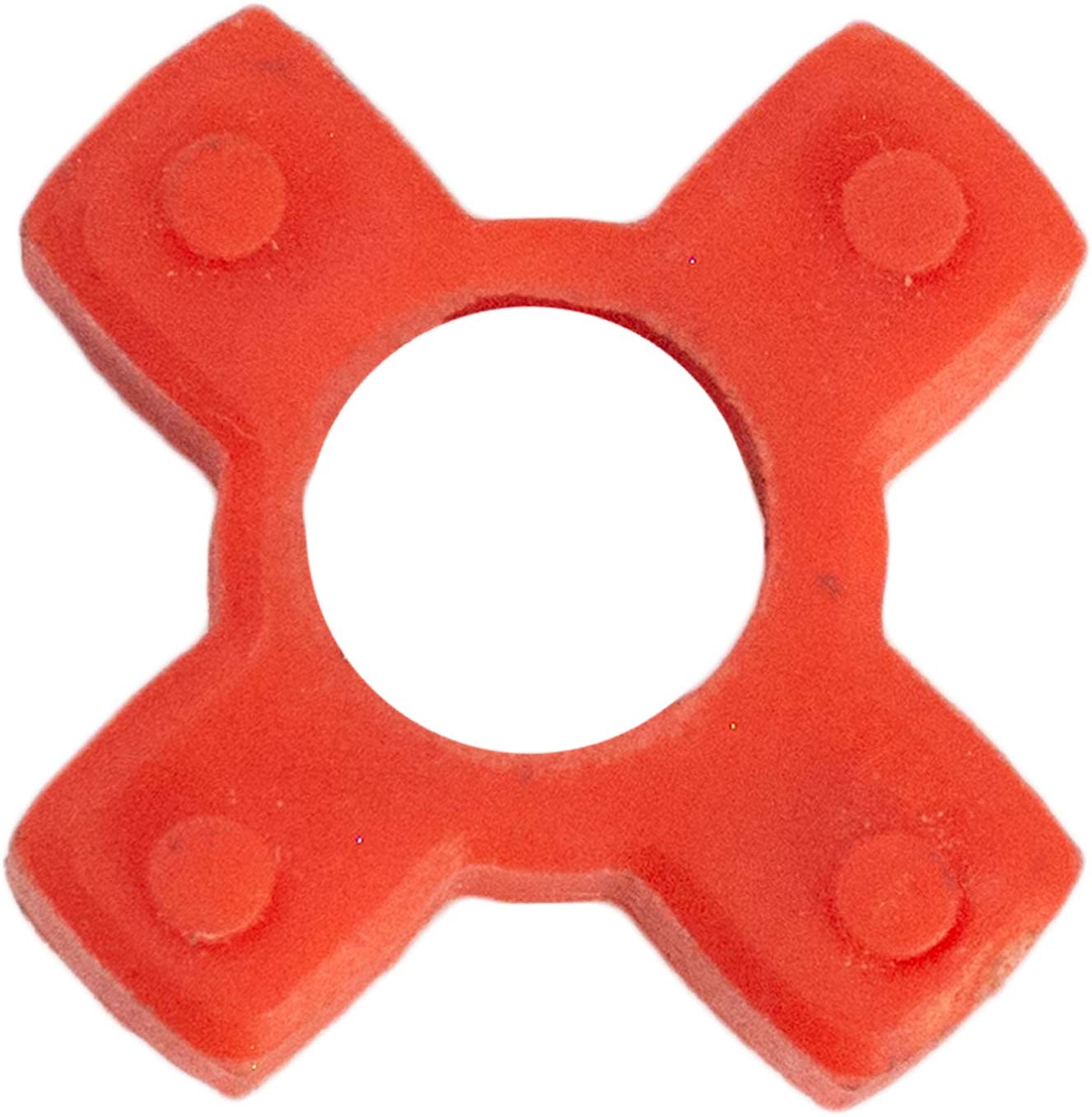
BUSHINGS FOR ELECTRIC EXTRACTORS – These red bushing connectors can be used in any electric honey extractor, including VIVO models BEE-V002E, BEE-V003E, and BEE-V004E.
EXTEND PRODUCT LIFE – If the bushing that fits between the two couplings in your honey extractor becomes worn out or damaged, these connectors serve as brand new replacements, keeping your equipment well maintained.
PACK OF 5 – Comes in a set of 5, so you can replace the bushings whenever needed for routine maintenance without having to find a new part each time.
UPC:
818538026689
Assembly Instructions
No assembly required
More ways to buy:
Amazon
|
Bulk Orders
Know the fit
For a measurement or material that is not stated on this listing, contact us with the SKU before ordering.
Choose & use with care
Identify the part of the setup you want to adjust: screen position, keyboard placement, seating or cable organization. Compare the adjustment features of the chosen item.
Check the exact monitor pattern, supported size and weight, desk thickness or other listed installation requirements. Do not infer compatibility from a photograph.
Allow room for movement, cables and neighboring equipment. Follow the supplied installation instructions and use only the stated load and adjustment limits.
Follow the instructions supplied for the exact product. Features, limits and care directions are specific to the selected model.
Order preparation takes 1–3 business days, followed by 3–4 business days in transit: 4–7 business days in total. Standard shipping is free to the contiguous United States and DC, with no minimum order.
Request a return within 30 calendar days after delivery. We pay return shipping. After receipt, inspection and initiation of an approved refund take 5–7 business days.
Before you decide
Compare the exact listing’s mounting pattern, supported size and weight with your monitor. Also check desk thickness, mounting method and clearance where specified.
We do not promise medical outcomes. Choose an accessory for its stated fit and adjustment features; seek appropriate professional advice for persistent discomfort.
Use the options and measurements on the exact product page. Photographs can look different across screens; available choices are limited to the options actually shown for that item.
Check the selected product’s description and included-parts information. Accessories pictured in a use scene are included only when the listing says so.